Photo Mechanic
Picking and copying images
Keyboard Shortcuts
F1
View all photos — rated and unrated
Ctrl
+
1
Rate pink — mark as a color rated pick
Ctrl
+
0
Remove color rating — clear the pick
Ctrl
+
A
Select all photos in view
Ctrl
+
Y
Copy selected photos into folder
Step by Step
1
Filter to Rated Photos Only
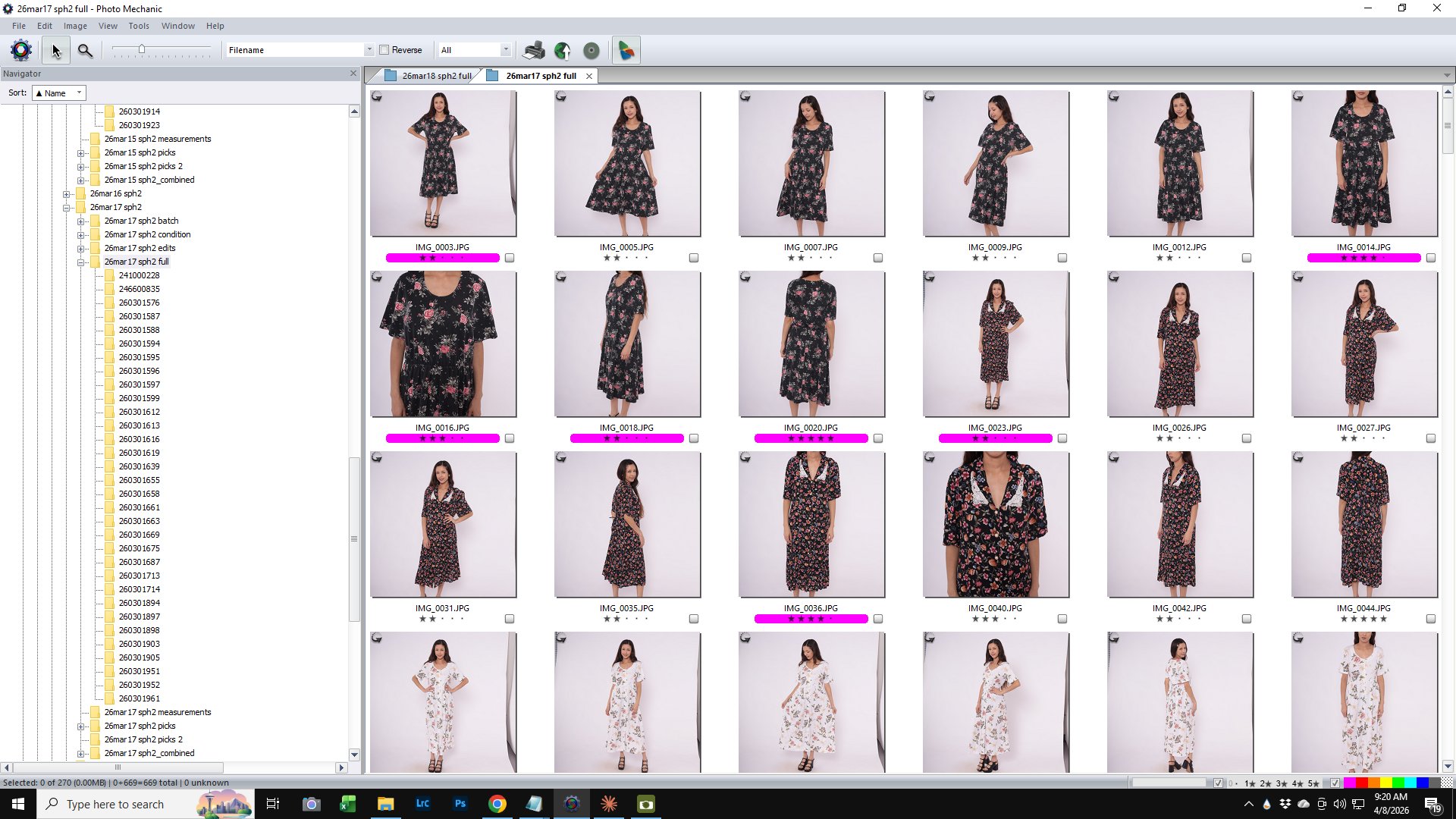
In the Photo Mechanic toolbar, click the zero-star button to deselect it — so only rated photos are shown in the browser.
2
Select All & Copy
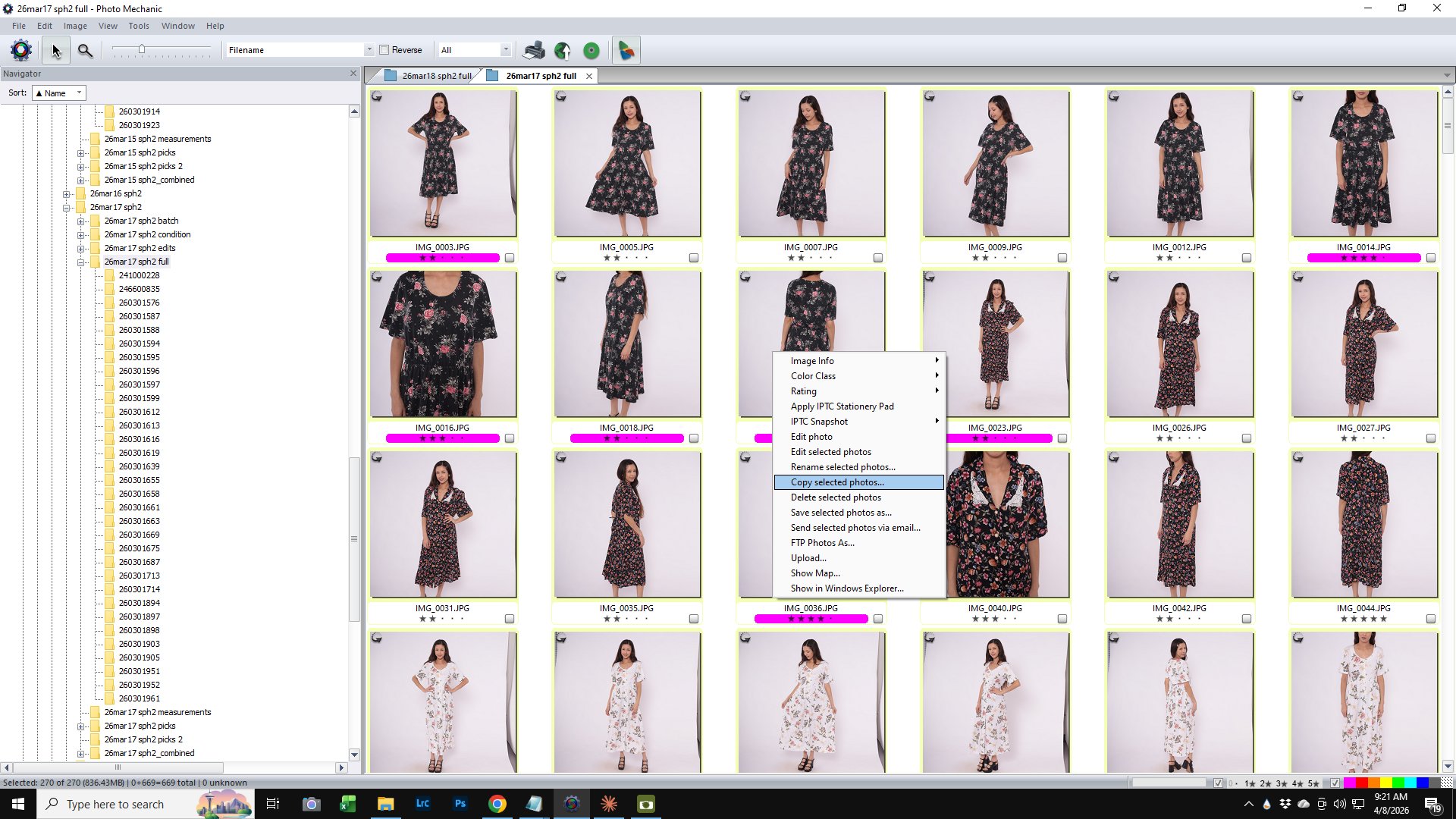
Press Ctrl + A to select all visible rated photos. Then press Ctrl + Y to copy selected photos.
3
Navigate to the Picks Folder
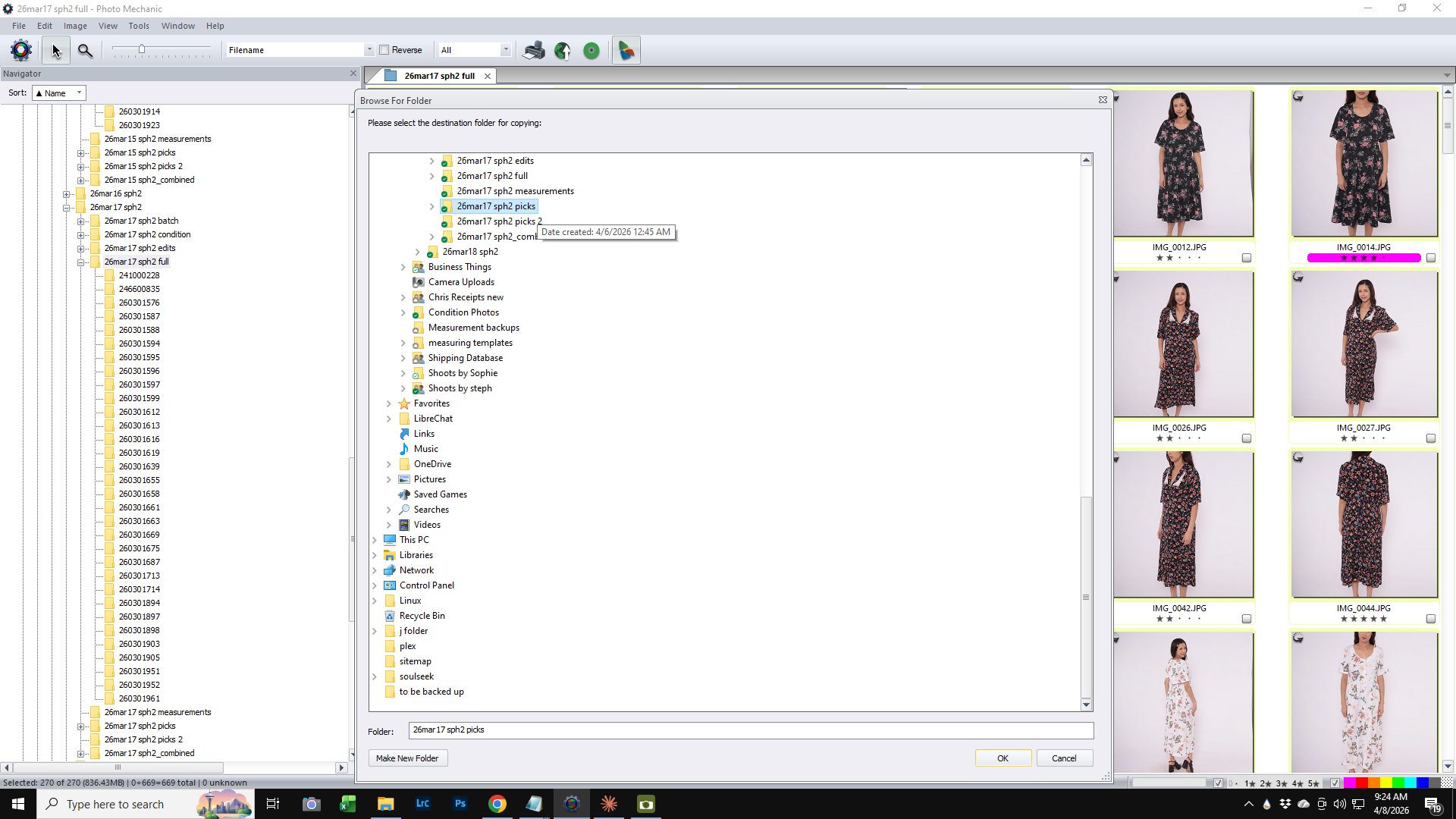
In the Browse For Folder dialog, find the "picks" subfolder for the current shoot. Select it and click OK.
4
Confirm Copy Options & Click Copy
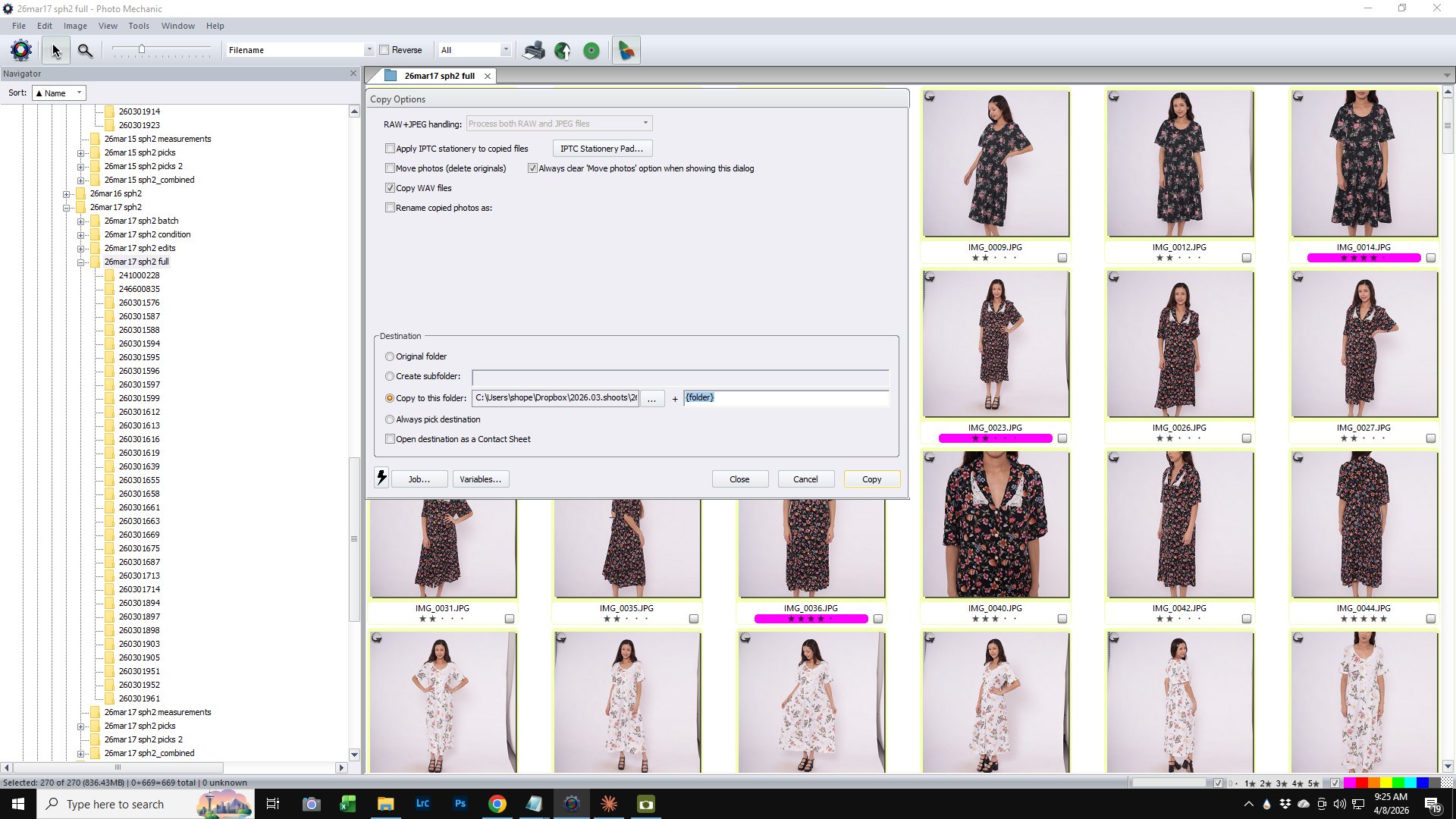
Verify the field after + reads {folder}. Click Copy.
5
Verify the Transfer
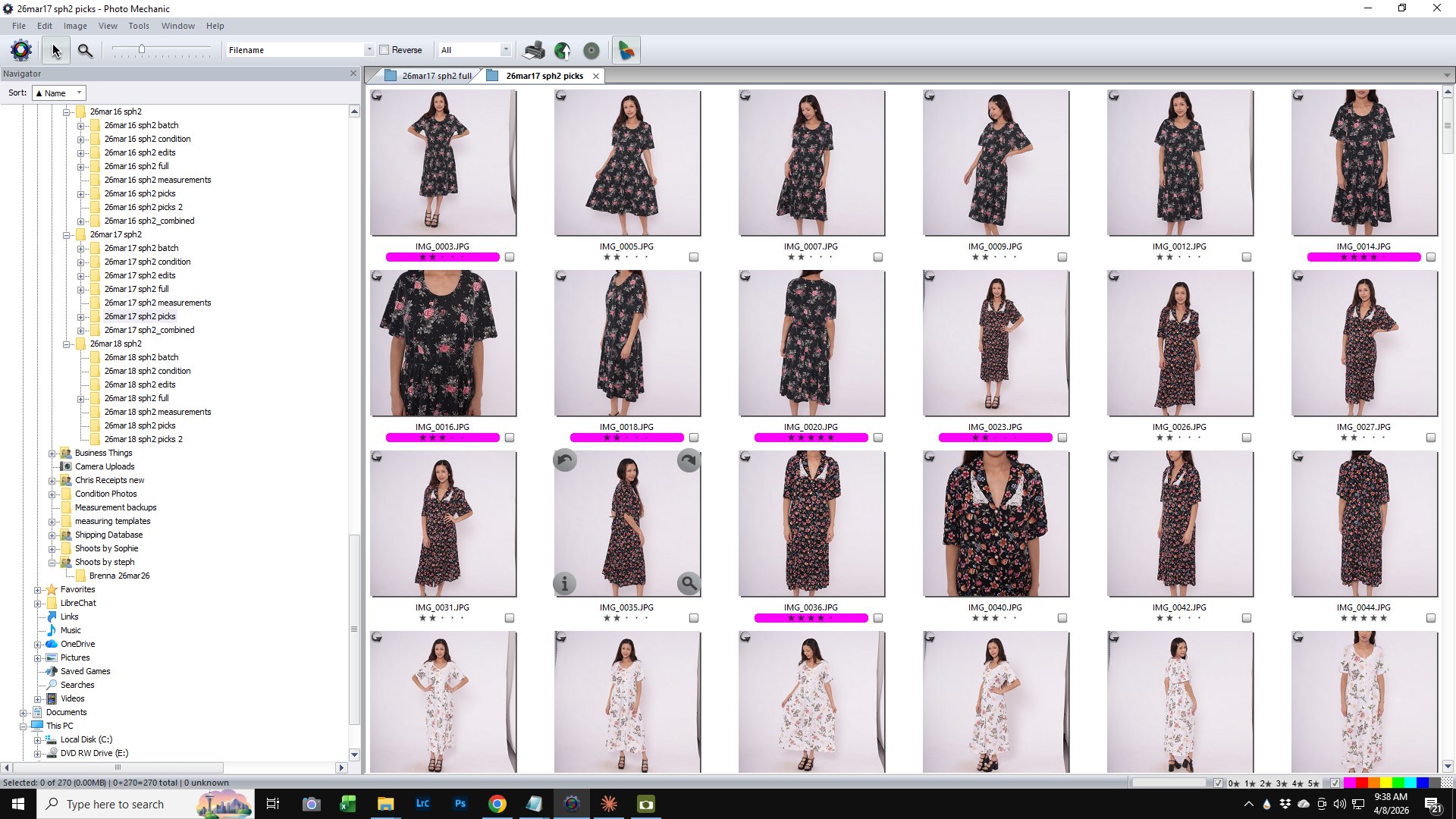
Open the picks folder. Confirm the image count matches the rated photo count from the full folder. If they differ, delete the picks and redo.